Turn your manuscript into a publication readers can page through
Bring a Word file, some text or a finished PDF. Zinewright lays out the cover, contents and page numbers, and gives you one link readers open straight away. Every issue also lands on a shelf page of your own.
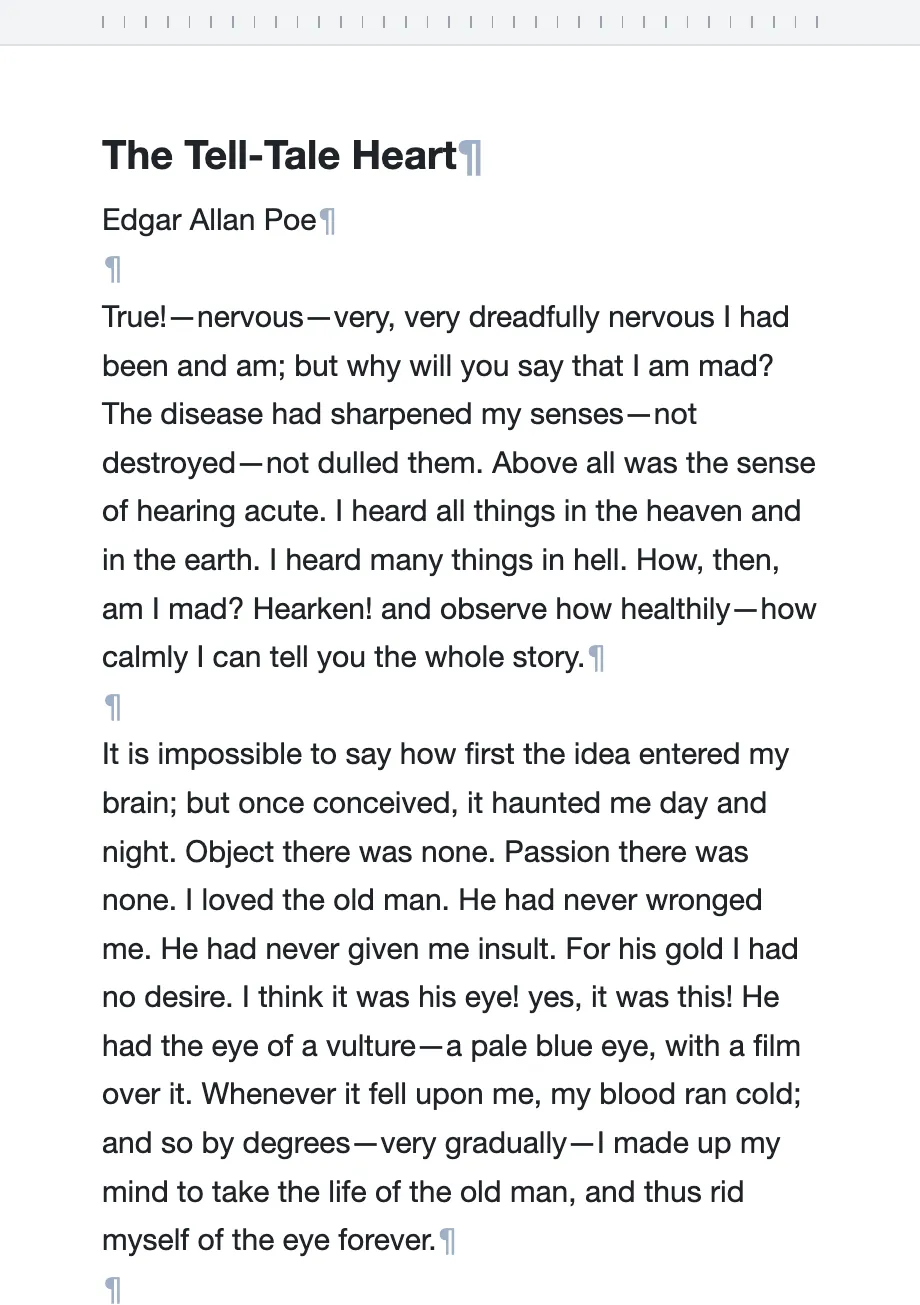
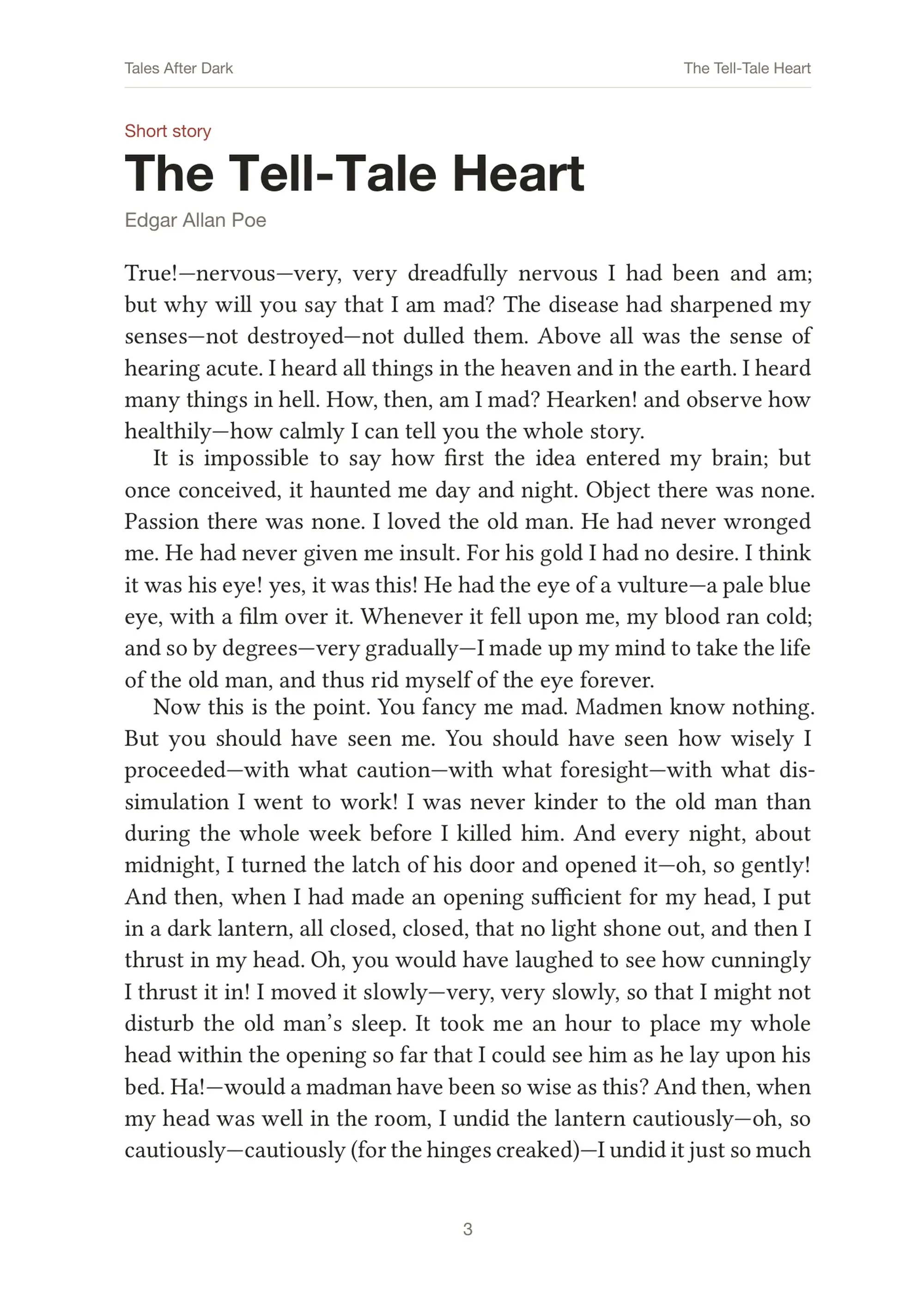
Sample issue: Tales After Dark
All twenty pages were generated from one manuscript: three public-domain stories by Edgar Allan Poe. Click a page to zoom in, and use the arrow keys or the buttons to turn pages.
Read it full screenFrom manuscript to readers
Hand in the manuscript
as it is.
Sort out titles,
bylines and order.
Pages 3–8The Tell-Tale Heart
Check every page,
privately.
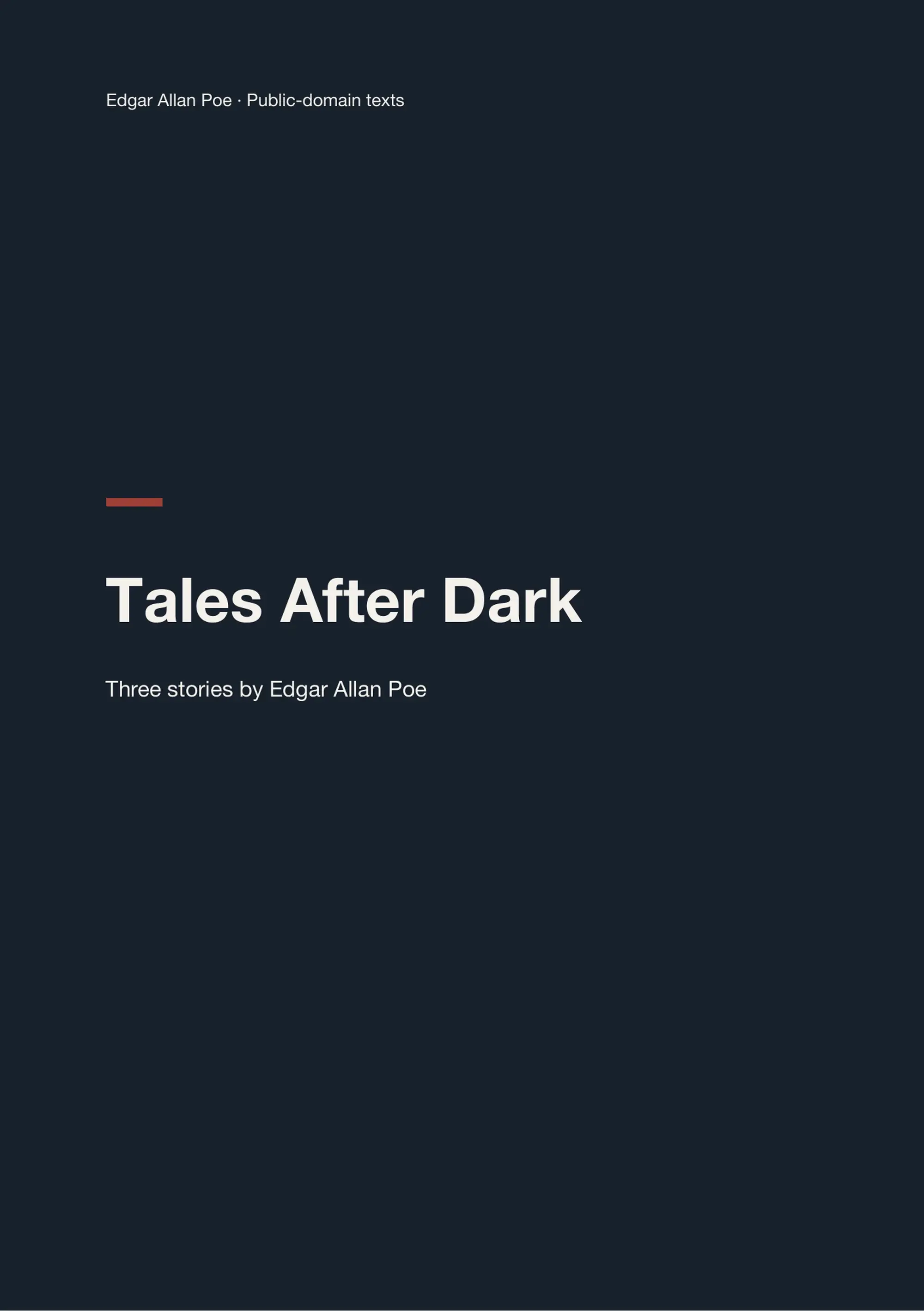 20 pages · version 2
No sign-in for readers
Share the link,
read cover to cover.
Every issue on a shelf of your own
Besides a reading link for each issue, Zinewright gives you a shelf: a public page at zinewright.com/c/your-name that collects everything you publish. The newest issue comes first, earlier ones follow, with your name, a short description, logo and colour.
- Updates by itself when you publish, withdraw or delete an issue
- Pick its address; rename it later and old links keep working
- Kept out of search engines until you choose to list it
- Included on every plan, the free trial too
Earlier issues
 Spring issueWinter issue
Want a site that is entirely yours?
For clubs and presses that want more than the standard shelf, we design and build custom sites: your own visual identity and domain, several languages and special sections, linked to the issues you publish with Zinewright. Quoted per project, separately from the plans.

Compared with sending a PDF
Your next issue,
edited by you
Enter a title, pick a starting point and sign in with an AjajaLab account to start organizing. Drafts and proofs are visible only to you.